Galawall

A live photo wall for a confirmation party

A confirmation party is often the biggest family gathering a household has hosted since a wedding, grandparents, aunts, uncles and cousins who do not see each other often, all in one room for an afternoon. One QR code lets every relative add photographs of the person being confirmed, the gifts, the speeches and the table, to a single album, and a screen nearby can show the afternoon as it happens.

Free to try with 50 photographs. One payment of $49 per event when you are ready.

Galawall

Confirmation party

12 June

Live on the wall

214 photographs

Confirmation party

A bigger gathering than it looks

A confirmation is a short ceremony, but the party afterwards can be the largest the family has put together in years, easily rivalling a wedding in the number of relatives in the room even if the day is far less formal. A shared wall suits that scale: everyone present has a way to add what they photograph, rather than the record depending on whoever the parents remembered to ask.
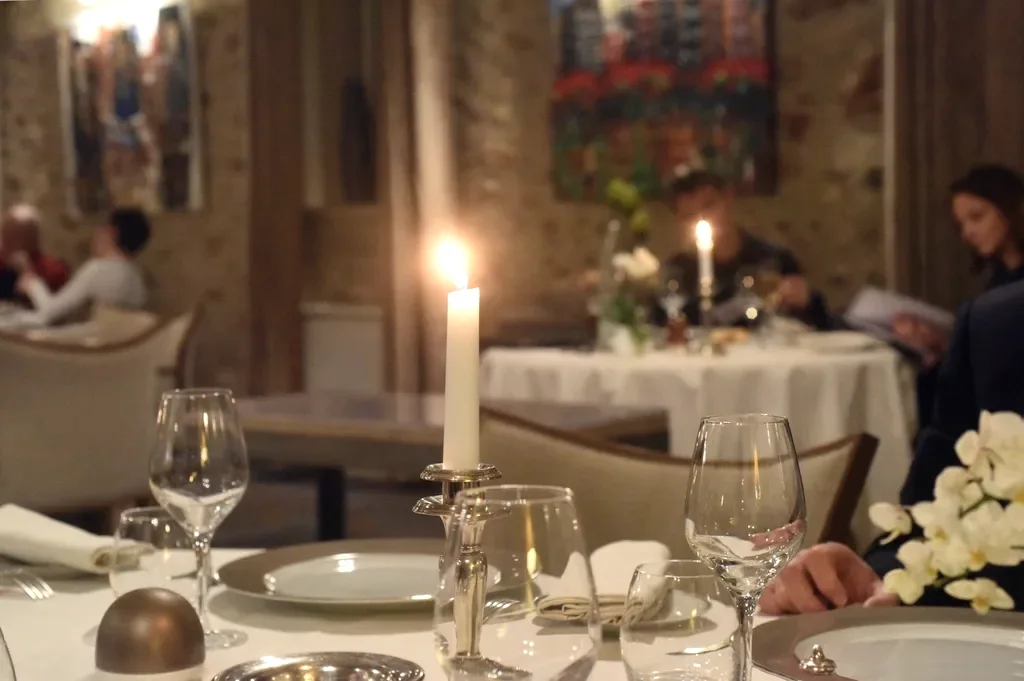

Speeches, gifts and the table

The moments a confirmation party tends to produce, a speech from a grandparent, the gifts being opened, the whole table sitting down together, happen in quick succession and are easy for one person to miss entirely. With the wall open, whoever has a phone out at the right moment can add what they caught, and it does not rest on one relative trying to document the whole afternoon alone.

Extended family who rarely see each other

A confirmation often brings together relatives from both sides of a family who otherwise only meet at weddings and funerals. A wall in the room gives that mix of people something to look at together while the afternoon goes on, which does more to draw a shy teenage cousin and a great-aunt into the same conversation than photographs staying on separate phones.

Simple for every age at the table

  • No app: the phone's own camera opens the code.
  • No account: nobody at the party is asked for a name or an email.
  • Two buttons on the guest page: take a photograph, or add one from the gallery.
  • Works as easily for a grandparent scanning a code for the first time as for a younger cousin.

Updated September 17, 2026

How it works

A minute to set up. A lifetime to look back on.

  1. Create.

    Give the evening a name and a look. No account needed to begin.

  2. Print.

    A sign for the door and cards for the tables, ready for the printer.

  3. Watch.

    Put the wall on a screen. Your guests do the rest.

Questions

Is this really needed for a family party, not just a wedding?
Yes, the wall works the same way at any size of gathering; a confirmation party with dozens of relatives collects a scattered set of photographs just as a wedding does, and the wall brings them into one place.
Can grandparents and older relatives use it without help?
Scanning only needs a phone's own camera, and the guest page itself is two buttons. Anyone who prefers can type the short address printed under the code instead.
Do we need a screen at the venue?
No, it is optional. Some families show the wall on a screen during the party; others simply let the album fill up and look through it afterwards.
How do we get the photographs once the party is over?
The whole album downloads as one file, in full resolution, from the dashboard, whenever you want it, ready to keep or send on to family.
Can relatives who could not attend still see the photographs?
Not by adding to the wall themselves unless they are sent the guest link directly, but the finished album can be shared with anyone once it is downloaded.