Classic wording
- "Scan to share your photographs with us."
- "Help us capture every moment. Scan to add your photos."
- "Your photographs are part of our story. Please scan and share."
A wedding QR sign needs three things: a short line telling guests what the code does, the code itself, printed large enough to scan from a short distance, and the address underneath for anyone who would rather type it. Below are ready lines in three tones, classic, playful and minimal, along with guidance on where to place signs, what size to print them, and what to put under the code.
Free to try with 50 photographs. One payment of $49 per event when you are ready.
Galawall
12 June
Live on the wall
214 photographs
Emma & James
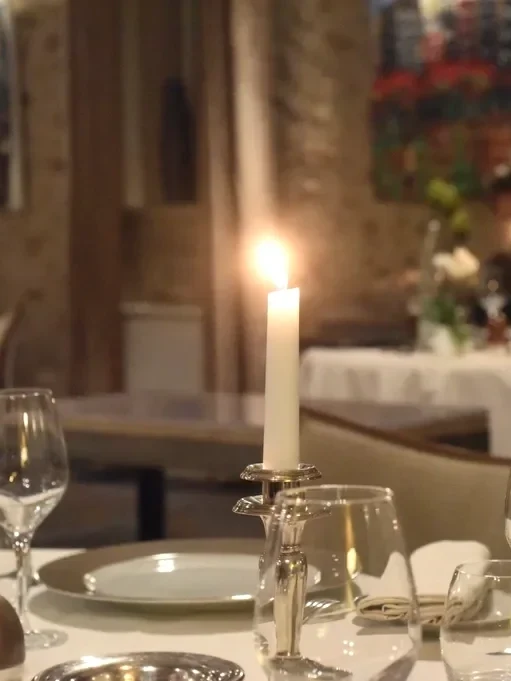
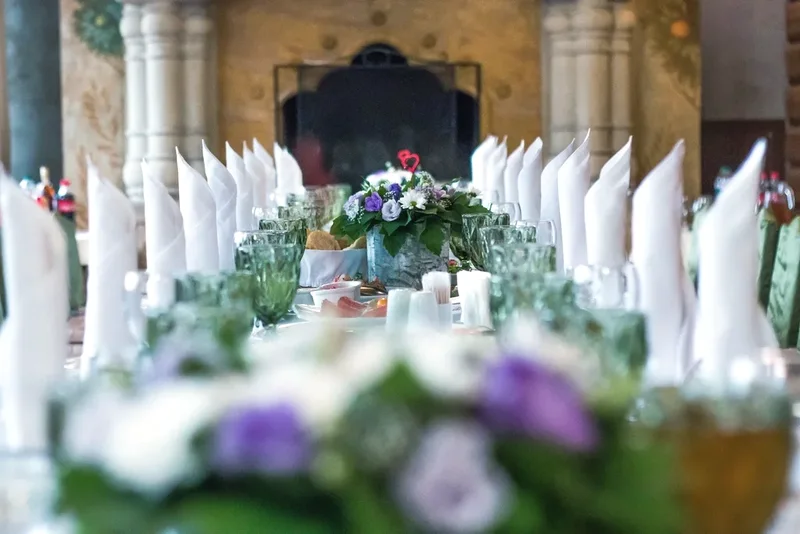
One sign near the entrance or the guest book table catches guests as they arrive, when they are most likely to read it properly. A second, smaller version by the bar works well later in the evening, when people are standing around rather than seated. Table cards repeat the same code at eye level during the meal, when a guest is far more likely to notice a small card than remember a sign they saw an hour earlier.
An entrance sign at A4 or larger scans comfortably from a few steps away, which matters since guests rarely walk right up to it. A table card can be much smaller, close to a postcard, since it is read from a seated distance of an arm's length rather than across a room. Whatever the size, leave a clear border of plain background around the code itself; a code crowded by other text or a busy photograph scans less reliably.
Always include the short address in plain text underneath the code, for the guest whose camera will not focus on it, or who simply prefers typing a web address to scanning. One line of instruction above the code is usually enough; a longer explanation gets skipped rather than read. If a photo wall service is generating the sign for you, it will typically lay out the code, the address and a line of wording together, matched to the same look as the rest of your printed materials.
Updated September 16, 2026
Add yours
Choose how the wall shows the evening, and change it while the party is on.
How it works
Give the evening a name and a look. No account needed to begin.
A sign for the door and cards for the tables, ready for the printer.
Put the wall on a screen. Your guests do the rest.